I moved to San Francisco last last Thursday. So, thoughts.
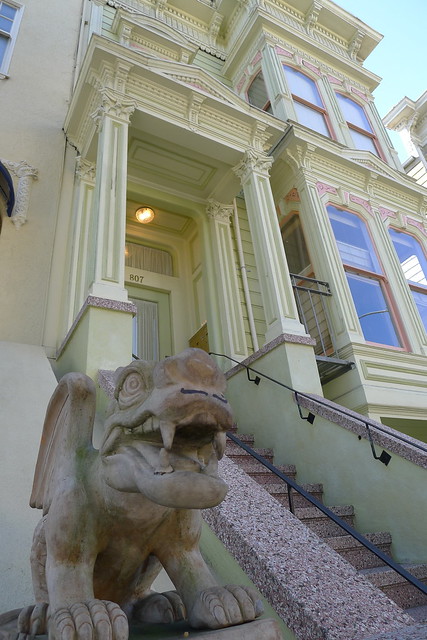
Thought #1: The gargoyles here are all hipsters.
I feel like I’m inside one of those dreams featuring you and all your friends in some magical definitely-not-real-yet-oddly-familiar location (partially constructed from somewhere you once lived, and partially constructed from Monterey Pop videos and partially from watching the Shit Silicon Valley Says videos 9 times before bed. One of those dreams where you keep running around doing things and seeing these people over and over, but if you were to wake up, you’d realize that it really doesn’t make sense for all of those people to be in the same place at the same time because they are from totally disjoint parts of your life and oh my god why is any of this happening.
But mostly I don’t live in the real world anymore because I actually live in the Internet.
Here’s how to move to San Francisco, Mo-style:
1 week before pre-move – start to think about facebook messaging your friends asking them if you can sleep on their couch while you look for an apartment. Instead, your friend Bhargav (who just moved out there and is in the couch-sleeping phase as well) asks you to move in with a third guy you’ve never met but is allegedly cool and Good Roommate Material. At this point it’s only been roughly five days since you were hanging out with Bhargav in Hong Kong and Singapore together, duh.
Crawl Padmapper for about 3 hours together, and have your on-location roomies check out the place, make you a FB album and take video. Beat out the other potential tenants and just fucking sign already, because you snagged an enormous sweet-ass place a couple doors down from Janis Joplin.
Pack your bags, er, boxes, and take them to the post office. Feel really good about this distributed-computing approach to moving across the country, fire up a fb event and throw yourself a going away barcrawl and party with everyone, except for the 50% of everyone from UIUC Computer Science who has already moved to San Francisco in the past year.
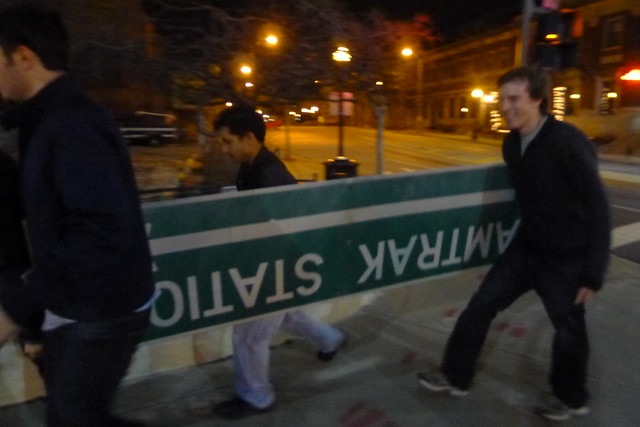
Farewell of #Champs
Day of move – Hop in a plane, feel weird that this is the first time you’re doing a permanent move in the 23 years of your life, despite having lived in every continental time zone in the US and a country each in Europe and Asia. While drinking tea in O’Hare, receive the first of many future texts that go like:
“Hey Mo, I’m flying in to SF from Philly with a couple friends this weekend. Wanna hang/show us around?”
Consider the ridiculousness of “showing someone around” a city you’ve been a resident of for under 24 hours, but of course accept enthusiastically and hop on your next flight.
Arrive at the airport and meet your new roommate for the first time IRL. Go home and dump your suitcase in a completely empty room and roll out the sleeping bag for later. See the 4 friends you have who are living within a 15-minute walk of you and give them the grand tour of your apartment, once you practice and work out which way is the kitchen and which way is the living room.
Barhop to half the places within a 5-minute walk of your place and witness more and more people show up throughout the evening. Meet some more internet friends IRL for the first time and talk to your friends about the web-tech companies they work at and the crazy and/or gorgeous people they have recently been talking to on OKCupid.
Coin the term #IPOIPA, and tweet it.
Friday
Wake up to find your roomies have already gone to work. Wander around the various empty large rooms of the apartment, playing music and wondering what to do with yourself. Tweet something about the Haight and make brunch plans with an internet friend who apparently lives in the neighborhood. Again, brunch spot is a 5 minute walk away. Wonder why all the other people at brunch don’t have jobs.
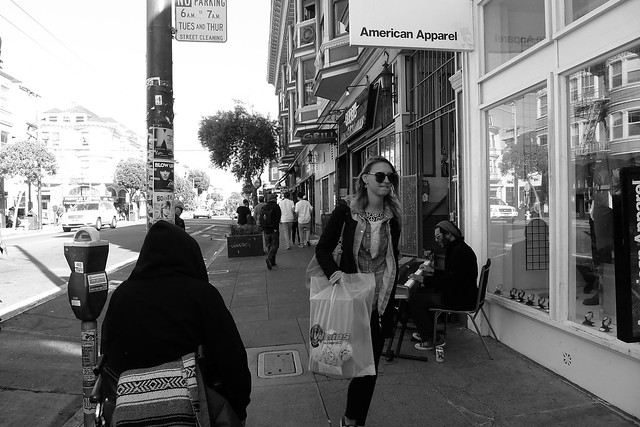
Post-brunch, wander around the neighborhood for a while and find out that yes actually EVERYTHING is a five minute walk away, and learn which street to walk on to avoid the hills. Shop your way around Haight Ashbury and see tourists taking pictures by Ben & Jerry’s and hear street performers and the Beatles kind of everywhere.
Go home and find the roof.
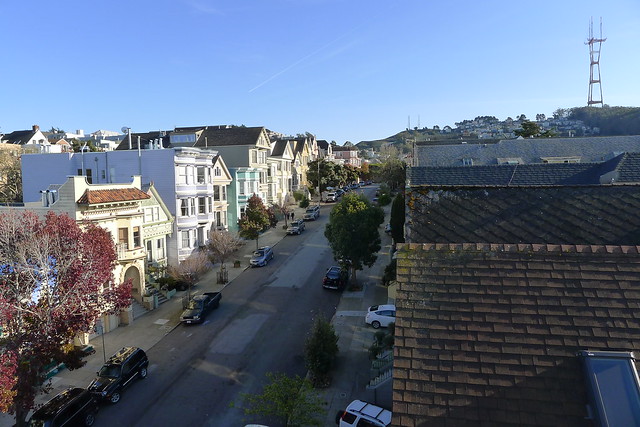
Receive a phone call from your new roommate at 4:26 PM. “Yelp IPO party. Get downtown now. Harlot. 2nd and Mission. I have a wristband for you. I can’t hear you, bye.”
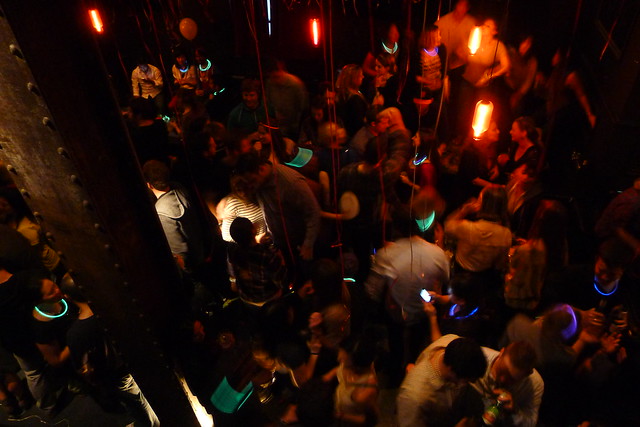
Run for the nearest MUNI stop and get your ass to SoMa. Talk to the friendliest bouncer ever and walk in and instantly see Evan in the sea of 500 people at this bar. Talk to everyone and realize you recognize at least 10 people at this party. Congratulate them all on their IPO and confuse them by not being a Yelp employee, and then score mad points when you mention who your roommates are.
Follow a crowd of 20 people back to Yelp HQ so they can drop off / pick up their stuff. Start barcrawling your way around SoMa and wait way too long at Eat Box for 3 orders of window bar-food, that take at least 40 minutes longer to arrive than you were promised. Wonder if this could potentially result in some bad Yelp reviews (apparently, it didn’t). Hang out in Tempest for an hour and then follow some French dudes to The Mission.
Notice Yelp people peel off as you head around the Mission to random bars, meeting up with more new and old friends from school and previous internships and the internet using your roommate’s phone once yours has died.
Realize everything is working out FLAWLESSLY.
Realize via bathroom graffiti you’ve been hanging out at some classy venues this evening.
Decide IPOs are fun and clearly a normal part of life.

Saturday
Walk around the Haights, smell lots of weed when you walk by Buena Vista Park.
Meet up with people in Dolores Park and watch the hipsters. Check Instagram occasionally and realize everyone else you know in the entire city is also somewhere in this hipster swarm beach. Don’t try to meet up with them though because that would be impossible.
Wait for your south bay friends to arrive on your doorstep. Spend a while naming the Facebook group for this friend group. Try to get Ramen at Izakaya Sozai but fail because people take forever to eat ramen, apparently. Go to a nearby chinese place and call it done.
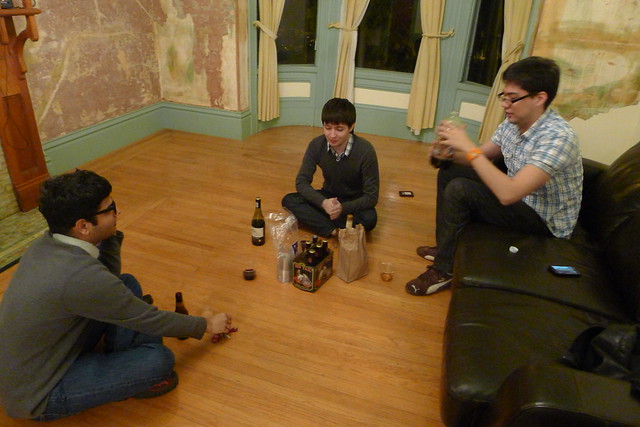
Go back to your place and sit on the floor because there is no furniture yet and make drinks and call cabs.
Realize getting out of the Haight on a Saturday night is an incredible challenge (but don’t learn from this anytime soon). Finally find a couple of cabs to take you club-wards and go hang out in Butter and receive a text along the lines of “be right there I just need to take four shots.” Meet internet friends and go to Bootie across the street. Dance your ass off for many hours and tweet about it mid-dancefloor. Hope your friend does not sustain injuries from falling off one of the dancing blocks.
Wind up under the golden gate at 4:30 AM and decide it’s probably time to go home, though nothing is particularly stopping you at this point.
Sunday
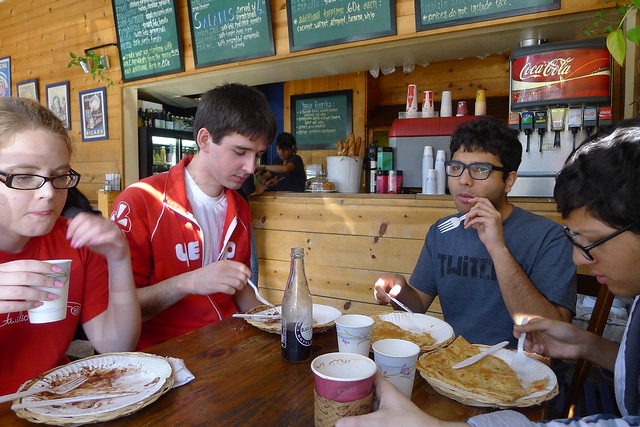
Wake up the forces. Go get some crepes.
Use your party people for good, not evil, and move the entire contents of Evan’s U-Haul into the apartment. Get it done in under an hour. High five and enjoy the breakfast nook.
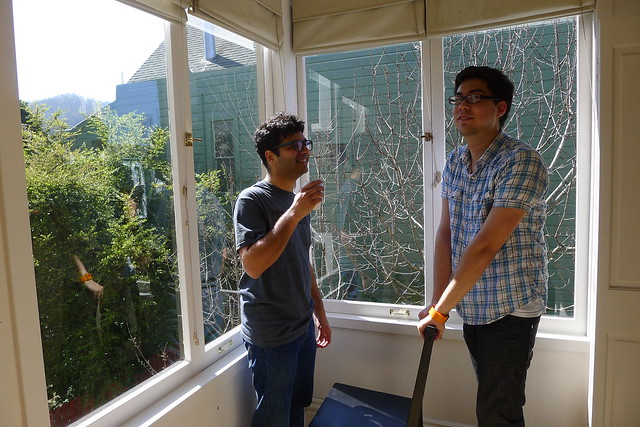
Go to Sleep Train and buy beds and feel like the Princess and the Pea. Go to IKEA and feel like Zooey Deschanel. Pick out a rug whose color is optimal for spilling a variety of everything on it (red).

Meet up with Yelpers at night at the local brewpub and listen to their startup idea and call them out on it being Silicon Valley Bullshit.
(But still tell them to make the app because you would use it).
Discuss the Foursquare names for each of your respective apartments.
Hang out in your brand new living room and spill drinks on your new rug, just as promised. HOME.
The weekend is over, but don’t let the internetyness stop there. Get San Francisco blog recommendations from your barista on an iPad in a cafe where each and every patron is on an Apple device. Make Friday night plans on Path and in reaction to Foursquare notifications. Don’t hit up the club for your favorite swedish DJs until 11:30 PM because they tweeted they wouldn’t be going on until midnight. Sit in your friend’s living room with her cat and troll OKCupid and have the cat Skype your friend who lives a mile away. Sit in Mission bars and bitch about particularly pretentious Instagram feeds.

HOME SWEET HOME, INTERNETS.